How to Set Up an Efficient Diagnostic Bay
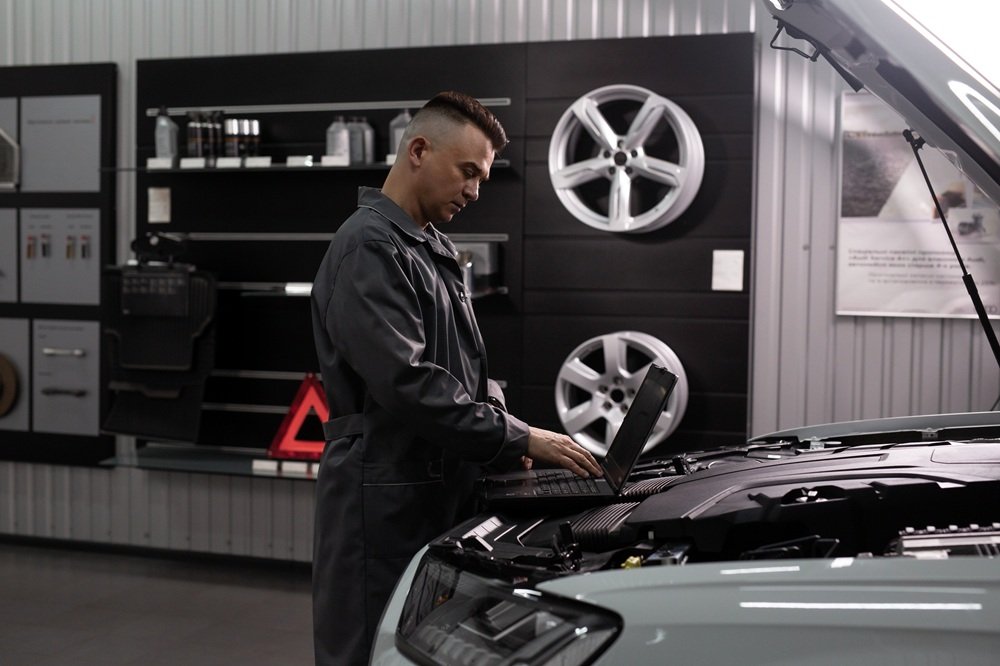
An efficient diagnostic bay is essential for any modern automotive workshop. With increasing reliance on electronic systems and software-based diagnostics, workshops need a well-organised space that supports both accuracy and speed.
A properly set up diagnostic bay helps reduce downtime, improve workflow, and ensure consistent results during vehicle testing and fault finding.
Why Diagnostic Bay Setup Matters
Modern diagnostics often require extended periods with the vehicle powered on, connected to multiple tools and systems. Without a structured setup, this can lead to:
Delays caused by disorganised equipment
Increased risk of connection errors
Inefficient technician workflow
Difficulty managing multiple vehicles
An optimised diagnostic bay setup ensures technicians can work efficiently without unnecessary interruptions.
Organise Equipment for Accessibility
One of the most important factors in an efficient bay is how equipment is stored and accessed. Diagnostic tools, laptops, and power units should be:
Easily reachable during testing
Clearly organised to avoid confusion
Positioned to minimise movement around the vehicle
Using a dedicated workstation or mobile setup allows technicians to keep everything in one place, improving speed and reducing disruption.
Ensure Reliable Power Supply Access
Diagnostics often require a stable power source, particularly when working with ECU programming or extended testing sessions.
A well-designed bay should include:
Safe and consistent access to power outlets
Space for power supply units or support equipment
Cable management to prevent hazards or disconnections
Maintaining a reliable power supply during diagnostics helps avoid interruptions and ensures accurate results.
Incorporate Mobile Workstations
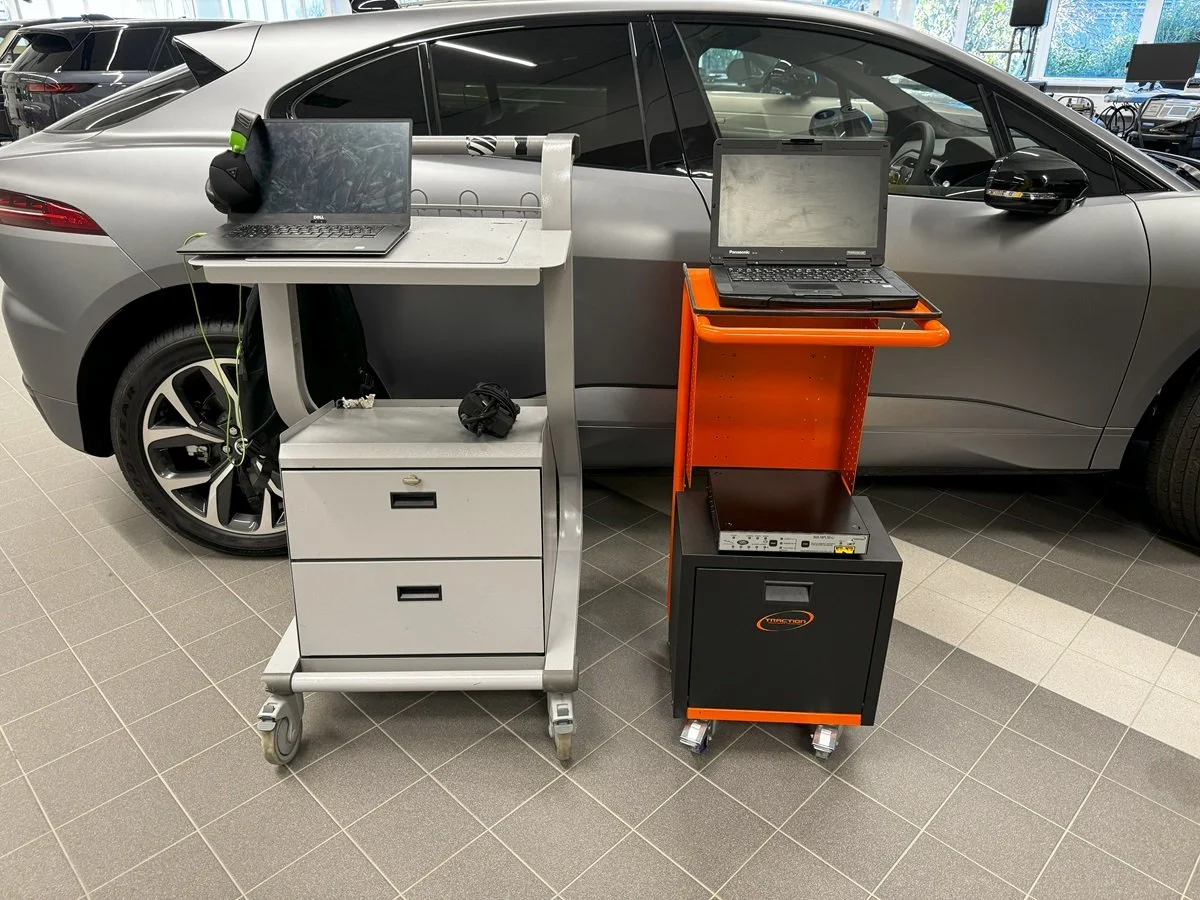
Mobility is key in busy workshop environments. Diagnostic equipment often needs to move between vehicles, making flexibility essential.
Mobile workstations or equipment trolleys allow technicians to:
Bring tools directly to the vehicle
Keep diagnostic laptops and equipment secure
Reduce time spent setting up and packing away
This approach supports a more efficient automotive workshop workflow, particularly when handling multiple jobs.
Manage Cables and Connections
With multiple devices connected during diagnostics, cable management is often overlooked but critical.
An efficient setup should:
Keep cables organised and untangled
Reduce trip hazards in the workspace
Ensure secure connections throughout testing
Poor cable management can lead to interruptions, errors, or even damage to equipment.
Create a Consistent Workflow
Standardising how a diagnostic bay is used can significantly improve efficiency. This includes:
Defining where equipment is stored
Following a consistent setup process for each vehicle
Ensuring all technicians use the bay in the same way
A structured approach reduces errors and improves overall workshop productivity.
Conclusion
Setting up an efficient diagnostic bay is about more than just equipment — it’s about creating a workspace that supports speed, accuracy, and reliability.
By organising tools effectively, ensuring stable power access, and incorporating mobile solutions, workshops can streamline their operations and reduce downtime. A well-planned diagnostic bay setup not only improves technician efficiency but also enhances the quality of diagnostic work carried out.
Traction / Auto Emporium
📧 Email: sales@auto-emporium.com
📞 Phone: 610-605-3634
For additional information on products, questions, or comments, please contact Traction / Auto Emporium using the email address or phone number above.